TiviMate IPTV Player for Android: Features, Setup and Guide
Learn TiviMate IPTV Player features for Android TV, how to install it, add M3U or Xtream Codes, and choose Free vs Premium.
Read GuideLearn TiviMate IPTV Player features for Android TV, how to install it, add M3U or Xtream Codes, and choose Free vs Premium.
Read Guide
TiviMate is not native on Samsung Tizen TVs. Learn how to run it via HDMI streaming devices and which Samsung IPTV alternatives exist.
Read Guide
Fix the TiviMate failed to get data from server error — check login details, internet, cache, VPN, and playlist updates.
Read Guide
Fix TiviMate HTTP data source exception errors — check your connection, try another channel, clear cache, and update your playlist.
Read Guide
Compare TiviMate Premium yearly vs lifetime pricing, free vs Premium features, activation steps, and whether the upgrade is worth it.
Read Guide
Fix TiviMate remote issues on Firestick, Android TV, and Google TV — including OK button, pairing, cache, and remote-control settings.
Read Guide
TiviMate is not on the App Store. Learn how to watch IPTV on iPhone or iPad with a compatible player using M3U or Xtream Codes.
Read Guide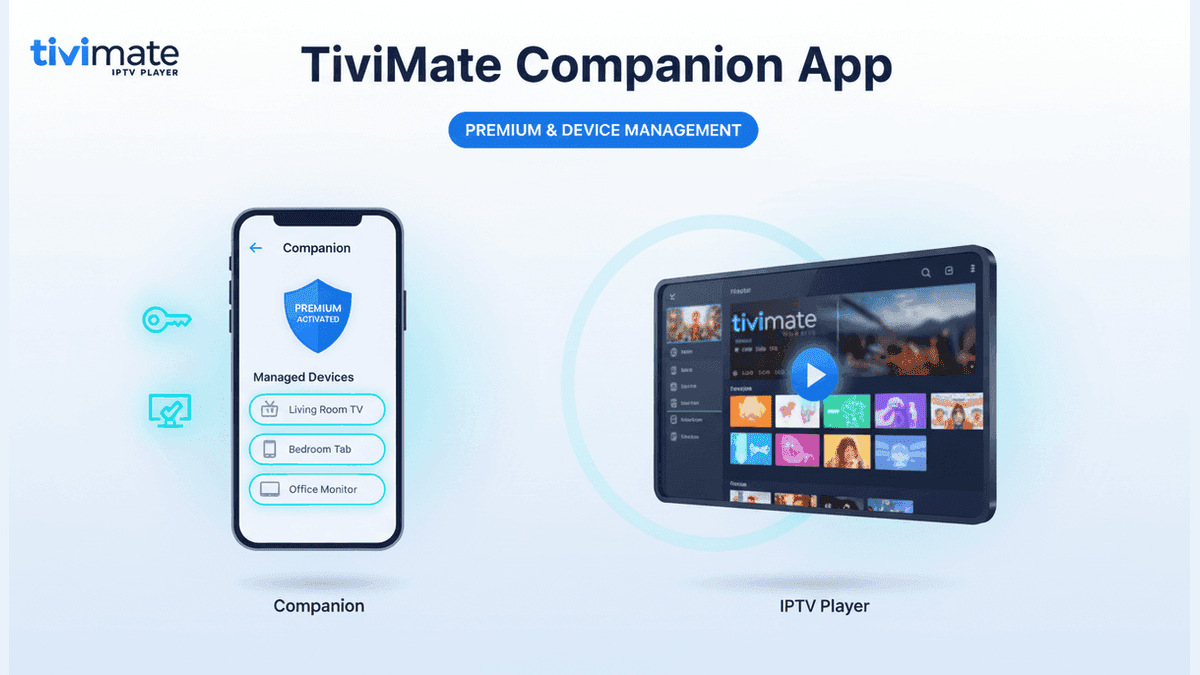
Learn how TiviMate Companion unlocks Premium, manages devices, and helps with Firestick activation — plus fixes for common account issues.
Read Guide
Download TiviMate Companion, activate Premium, manage devices, and fix common login issues — plus how it differs from the main IPTV player.
Read Guide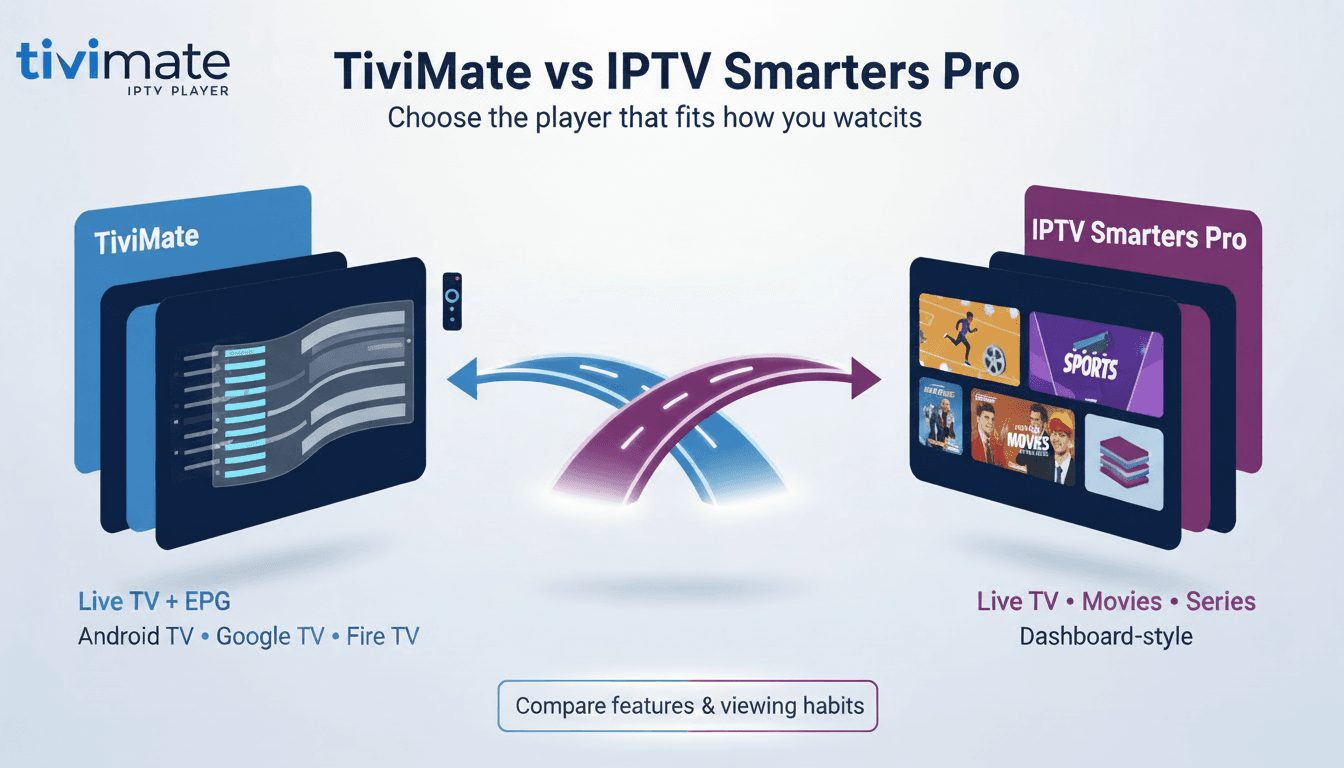
Compare TiviMate and IPTV Smarters Pro on interface, EPG, playlist setup, performance, device support, and pricing to pick the better IPTV player.
Read Guide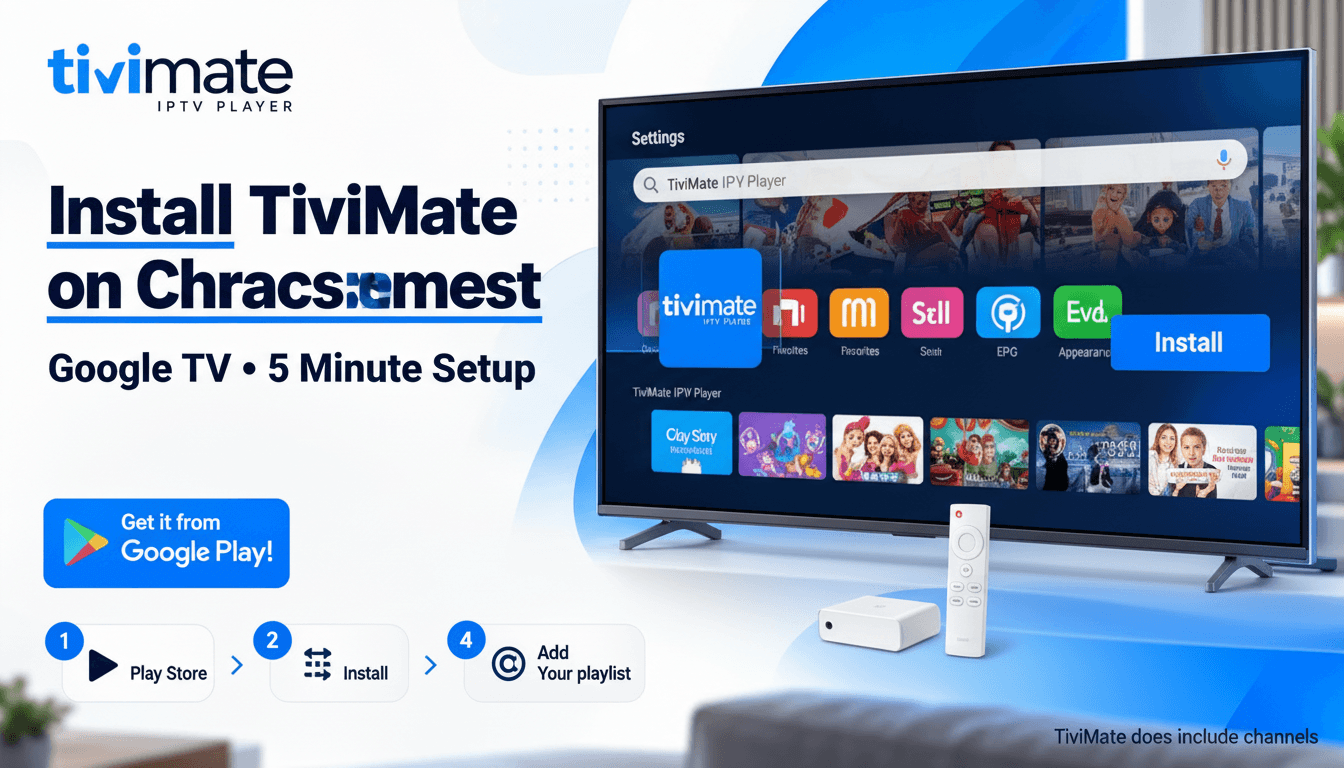
Install TiviMate on Chromecast with Google TV from the Play Store, add your playlist, set up EPG, and fix buffering or storage issues.
Read Guide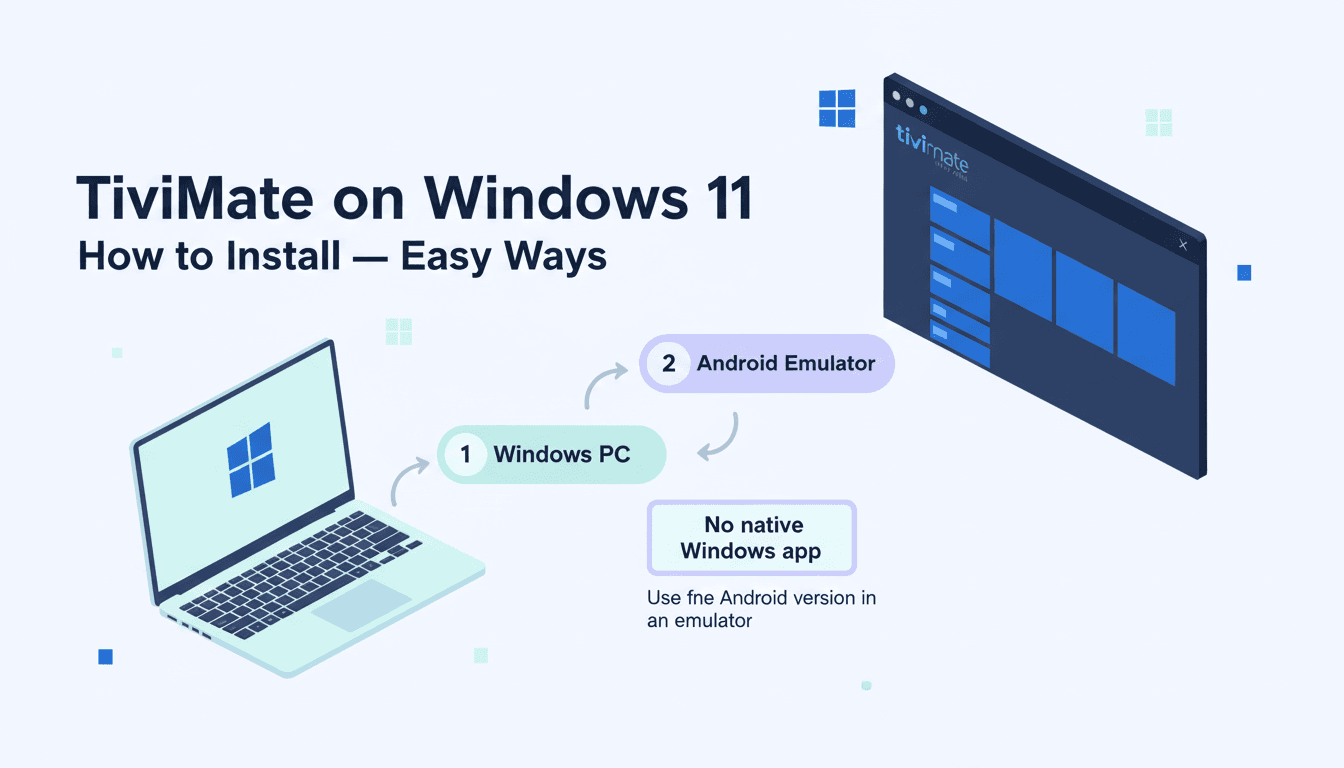
Run TiviMate on Windows 11 with an Android emulator. Install the app, add your playlist, set up EPG, and fix buffering or black-screen issues.
Read Guide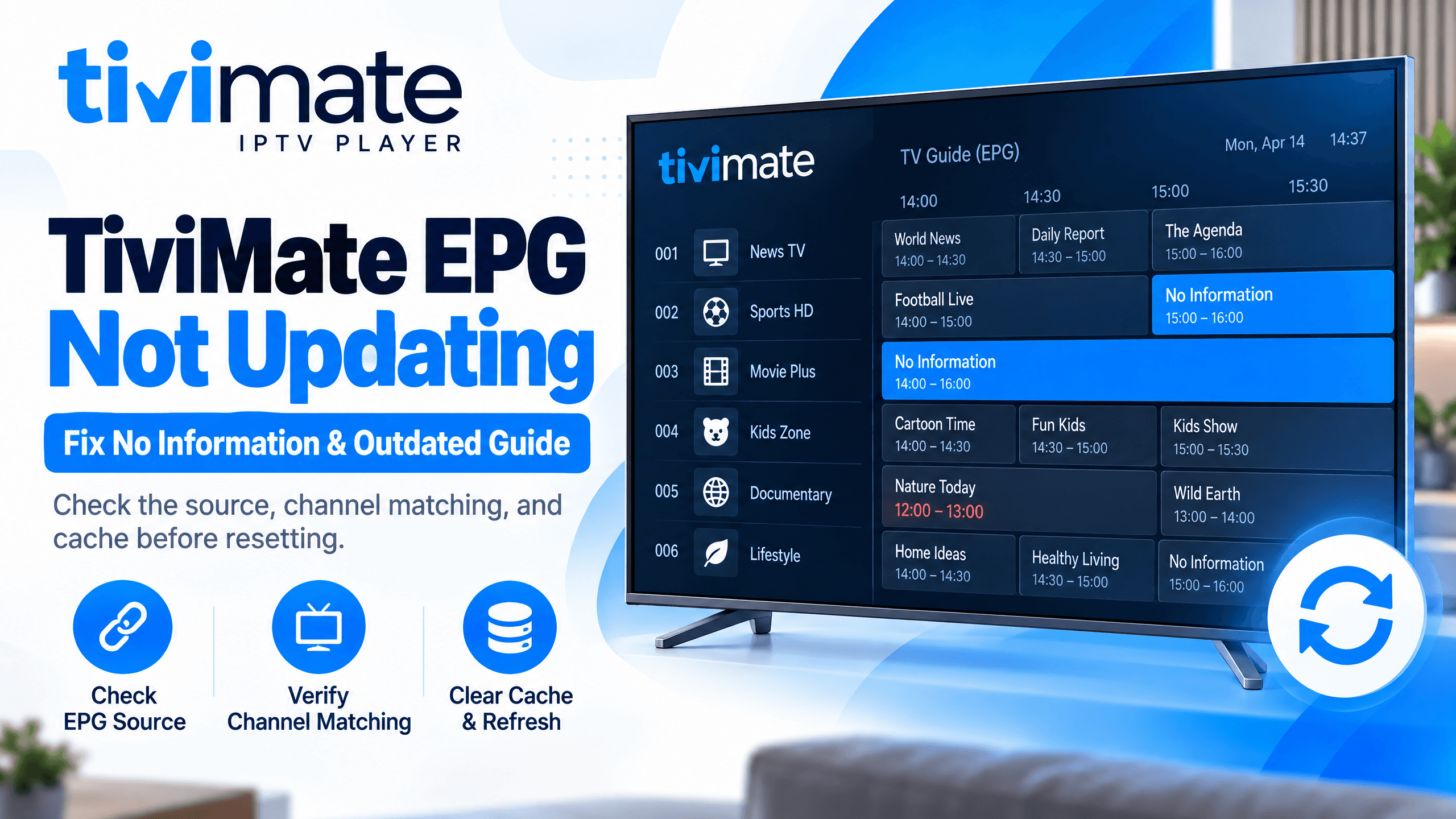
Fix TiviMate EPG not updating, No Information, outdated listings and wrong times with clear cache, source and channel-matching checks.
Read Guide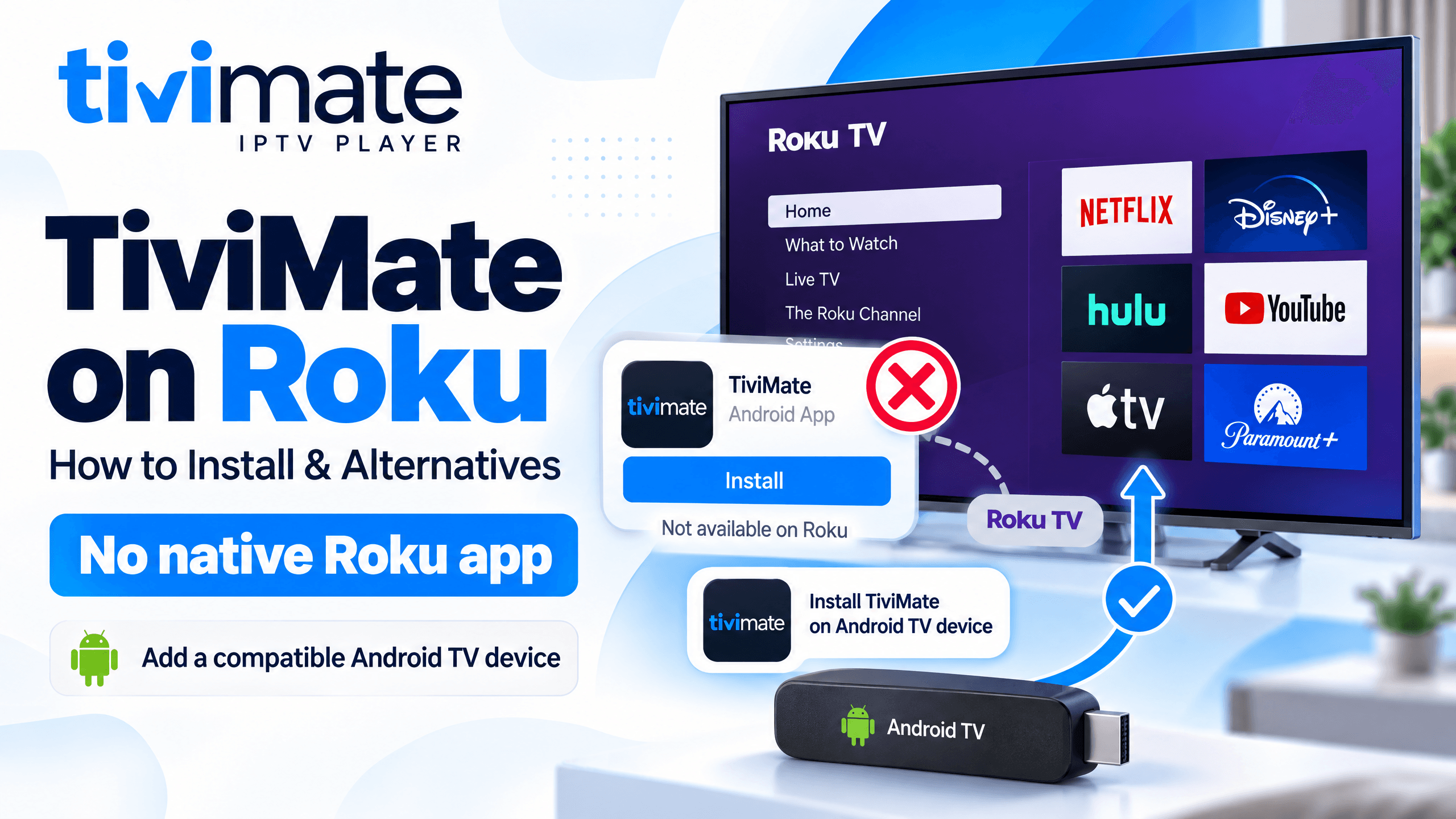
TiviMate does not install directly on Roku. Learn why, and how to use TiviMate with a Roku TV via a compatible Android TV or Fire TV device.
Read Guide
Stop TiviMate buffering with practical checks for Wi-Fi, buffer size, decoder, HLS/MPEG-TS, VPN and IPTV provider issues.
Read Guide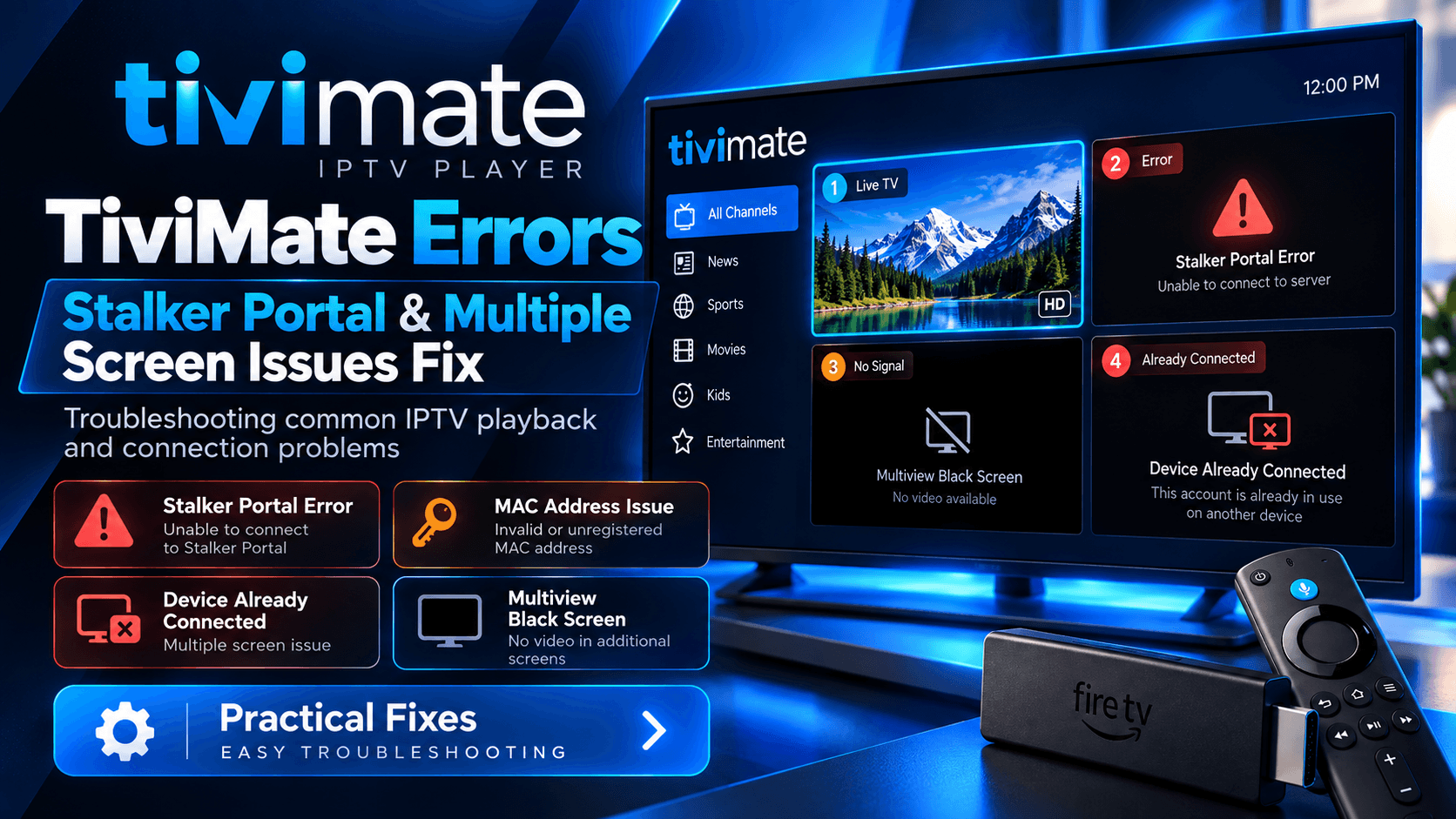
Troubleshoot TiviMate Stalker Portal errors, MAC issues, multiple-screen limits and Multiview black screens with practical fixes.
Read Guide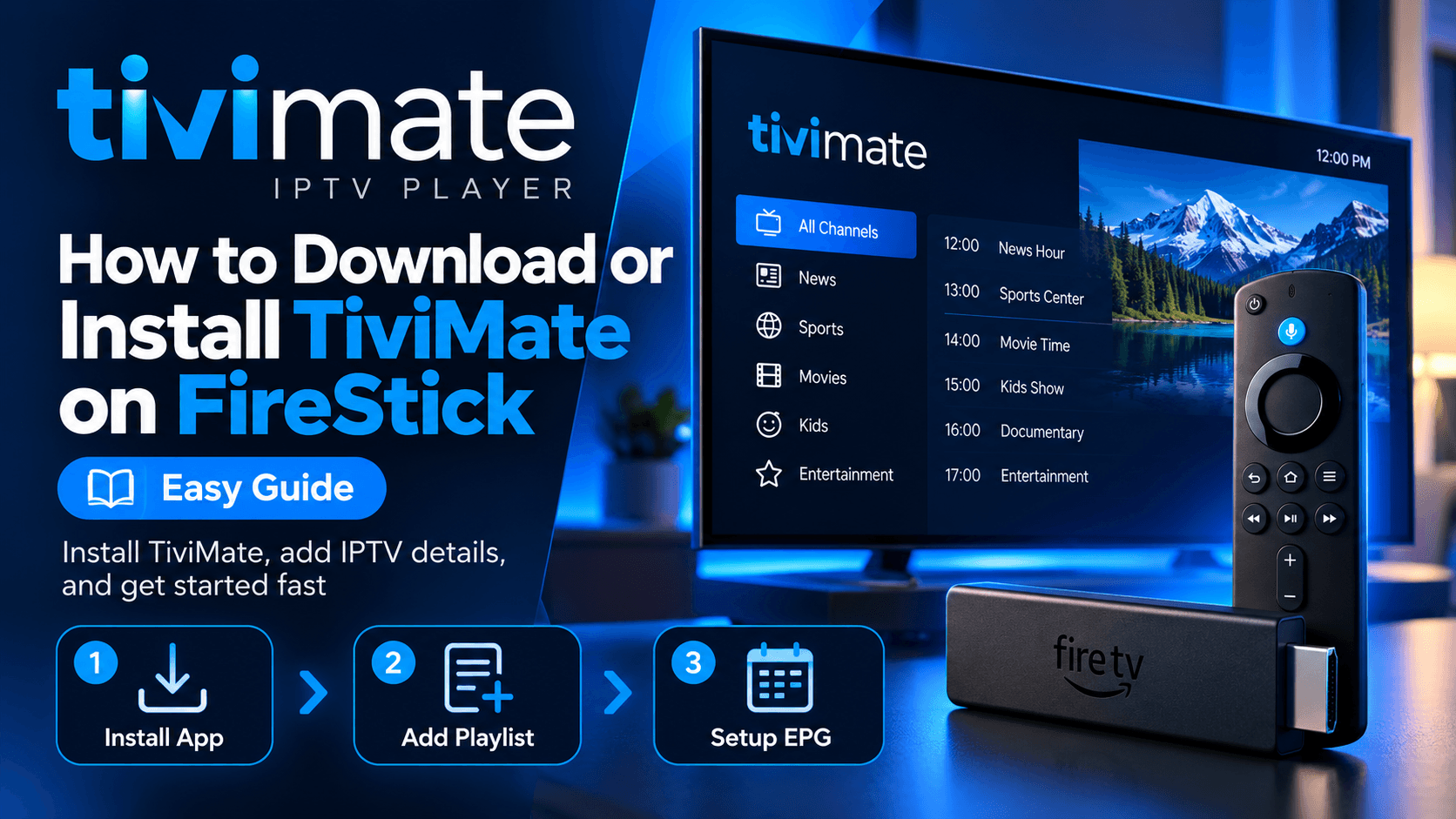
Install TiviMate on FireStick, add your IPTV playlist, configure EPG and get started with a clear step-by-step setup.
Read Guide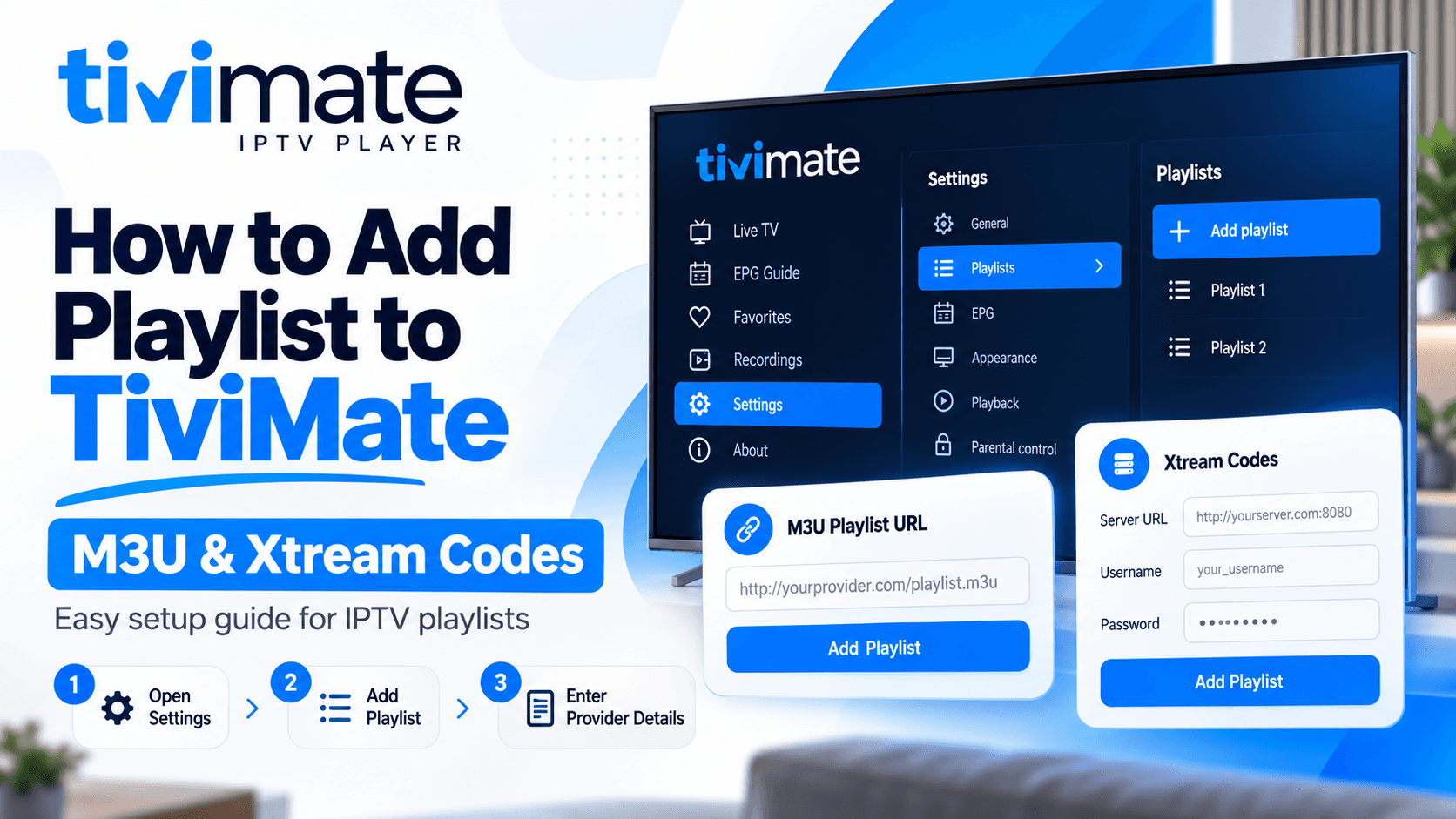
Add an IPTV playlist to TiviMate with M3U or Xtream Codes. Follow the simple steps, configure EPG and fix common loading issues.
Read Guide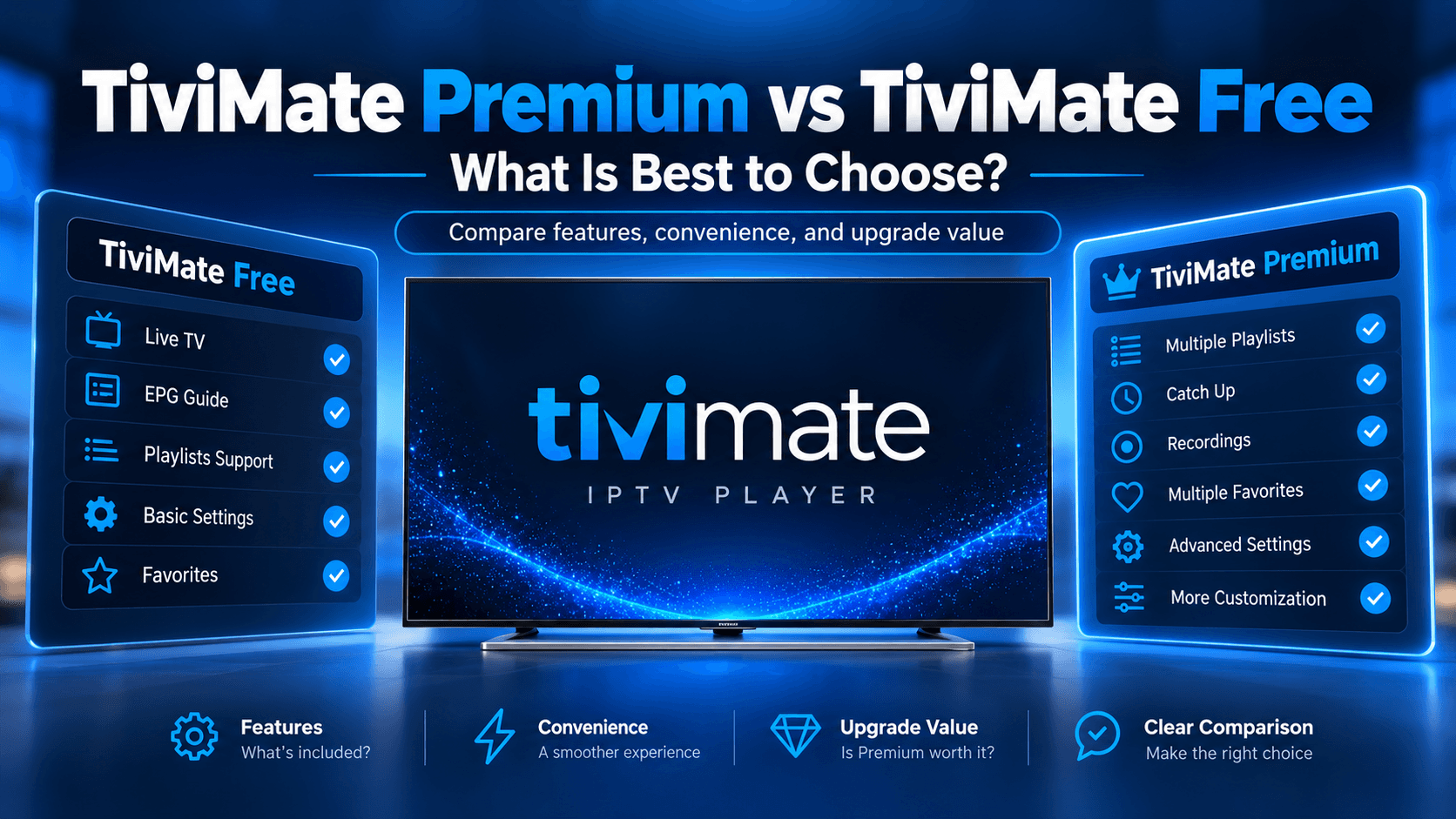
Compare TiviMate Free and Premium features, convenience, and upgrade value before you decide which version fits your IPTV setup.
Read GuideNext step
Use the installation guide for step-by-step setup, or compare IPTV plans if you still need a subscription.