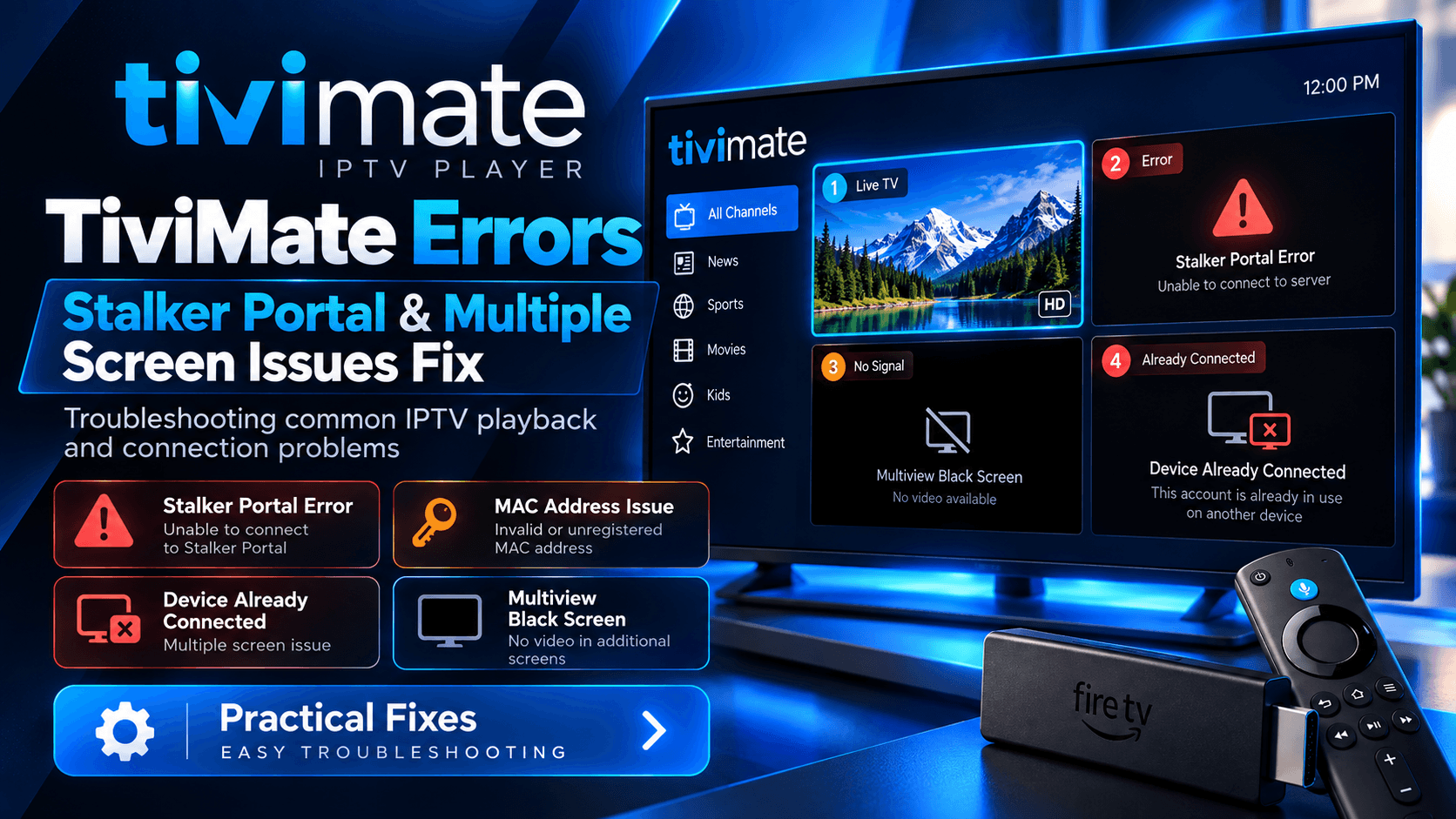
TiviMate usually works smoothly once your IPTV playlist is configured correctly, but some errors can be confusing, especially when using a Stalker Portal or trying to watch multiple streams at the same time.
Common problems include Stalker Portal errors, MAC address issues, “device already connected” messages, connection-limit errors, black screens in Multiview, channels constantly refreshing, and one stream stopping when another starts.
The important thing is to identify whether the problem comes from TiviMate, your FireStick or Android TV device, your internet connection, or the IPTV provider.
This guide explains the most common causes and the practical steps you can try. If you are still setting up your IPTV service, start with our TiviMate IPTV Setup Guide.
TiviMate Stalker Portal Errors
Stalker Portal works differently from a normal M3U or Xtream Codes playlist. It commonly uses a MAC address or device identity that must be recognized and activated by the IPTV provider.
If TiviMate shows an error while processing the Stalker playlist, check these things first. For standard playlist methods, see how to add a playlist to TiviMate.
1. Check the Portal URL
Enter the portal address exactly as provided by your IPTV service.
A small difference in the URL can prevent the playlist from loading. Do not automatically add or remove /c, /stalker_portal/, or another path unless your provider specifically gives you that format.
2. Check the MAC Address
If your provider uses MAC-based authentication, the MAC address shown by TiviMate needs to be registered on the provider's side.
If you recently:
- Reset your FireStick
- Reinstalled TiviMate
- Changed devices
- Created a new Stalker playlist
- Changed the MAC address
ask your provider to confirm that the correct MAC is active.
A factory reset or new installation can result in a different device identity, which can cause an account that previously worked to stop working.
3. Avoid Changing Extra Stalker Settings
Do not randomly change the MAC, device ID, serial number, or User Agent simply because the playlist is not loading.
These values can be part of the provider's authentication system. If your provider has given you specific values, use those values.
If the same Stalker account works on another supported device but fails in TiviMate, ask the provider whether TiviMate is supported for that portal.
4. “Device Already Connected” Error
This normally means the provider's system believes the account or MAC is already being used.
Close the IPTV application on other devices and wait a few minutes before trying again.
If the problem continues, ask the provider to check whether the MAC is still registered to another device or whether the active connection needs to be reset.
TiviMate Multiple Screen and Connection Issues
One of the biggest misunderstandings with IPTV is the difference between number of devices and number of simultaneous connections.
You may be able to install TiviMate on several devices, but your IPTV subscription may allow only one stream at a time.
For example:
- 1 connection: one stream at a time
- 2 connections: two streams at the same time
- 3 connections: three simultaneous streams
If your subscription allows one connection and you start a second channel on another TV, the first stream may stop, buffer, refresh, or display a connection-limit message.
This is usually a provider-side restriction, not a TiviMate Premium vs Free problem.
Why Does One Screen Stop When I Open Another?
If one IPTV stream works perfectly until you start another, check your provider's connection limit first.
Also remember that a stream may count as a connection even when you are not actively watching it in the way you expect. Recording, Multiview, background playback, or another active device can potentially consume an additional connection depending on how the provider counts streams.
Close TiviMate completely on other devices and test again with only one stream active.
If one stream works but two streams do not, ask your provider how many simultaneous connections your account actually supports.
TiviMate Multiview Shows a Black Screen
Multiview lets you watch multiple channels at the same time, but it requires more from both your IPTV service and your streaming device.
If the second screen becomes black, try these steps:
- Test each channel separately.
- Confirm your IPTV plan supports enough simultaneous connections.
- Try two channels from the same provider.
- Try channels with similar resolution and frame rates.
- Restart TiviMate.
- Restart your streaming device.
- Check TiviMate's playback settings.
A recent TiviMate community report found that disabling Tunnelled Playback resolved a problem where one Multiview screen remained black. This is worth testing when both streams should be available but one screen refuses to display video.
However, do not assume every Multiview problem is a playback setting. If your IPTV subscription supports only one connection, changing TiviMate settings will not create a second connection.
Multiple Screens Keep Refreshing
If two devices are being used and one repeatedly refreshes while the other plays, check the subscription's simultaneous connection limit.
This is particularly important when using the same IPTV account on multiple TVs.
If your provider confirms that you have enough connections, test the following:
- Restart both devices.
- Close TiviMate completely on unused devices.
- Remove duplicate playlists that may still be active.
- Test each playlist separately.
- Check your internet connection.
- Test with lower-resolution channels.
- Check whether the issue happens with every channel or only specific streams.
Community troubleshooting discussions repeatedly point to the IPTV provider's connection allowance as an important factor in these situations.
TiviMate Multiview Is Slow or Choppy
Running several streams at once requires more processing power, decoding capability, bandwidth, and provider connections.
If one 1080p stream works normally but two or three streams become unstable, your device may be reaching its limits.
Try two lower-resolution streams first. If they work but higher-resolution streams do not, the problem may be related to device performance rather than your subscription.
You can also restart the device and close unnecessary background applications before using Multiview.
When the Problem Is Probably Your IPTV Provider
Contact your provider when:
- Your MAC is not activated.
- The Stalker portal rejects your device.
- Your subscription has expired.
- Your connection limit is being reached.
- The same playlist fails on multiple devices.
- Channels suddenly stop working across different players.
- Your provider's server is unavailable.
- You need a MAC binding reset.
TiviMate cannot change a provider's server-side connection limit or activate a MAC address that has not been registered.
Quick TiviMate Error Checklist
Before reinstalling TiviMate, check these in order:
- Stalker Portal: Confirm the portal URL and registered MAC.
- Playlist: Make sure the correct IPTV account is being used.
- Multiple screens: Check your simultaneous connection limit.
- Multiview: Test individual streams first.
- Black screen: Try changing playback settings, including Tunnelled Playback.
- Refreshing: Close TiviMate on other devices and test one connection.
- Provider issue: Ask the provider to verify your account, MAC binding and active connections.
- Device issue: Restart your FireStick, Android TV or streaming box and test again.
Most TiviMate errors become much easier to solve once you determine whether the problem is caused by the player, device, internet connection, or IPTV provider. Avoid changing several settings at once. Test one thing at a time so you can identify the actual cause.
If you are still setting up your IPTV service, start with our TiviMate IPTV Setup Guide and then learn how to add a playlist to TiviMate correctly. Looking for a compatible service? Review our IPTV Plans.
FAQs
Why is my Stalker Portal not working on TiviMate?
Check the portal URL, MAC address and provider activation first. If the MAC is not registered or is still linked to another device, the portal may reject the connection. Ask your IPTV provider to confirm the MAC currently assigned to your account.
Why does TiviMate say “Device Already Connected”?
This usually indicates that the IPTV provider has detected an existing connection or that your MAC/device is still registered elsewhere. Close the IPTV service on other devices and ask your provider to reset the active connection if necessary.
How many screens can I use with one IPTV subscription?
It depends on the number of simultaneous connections included with your IPTV subscription. A one-connection subscription generally supports one active stream at a time, while a two-connection plan can support two simultaneous streams.
Why does TiviMate stop one channel when I open another?
Your IPTV provider may allow only one simultaneous connection. Starting a second stream can cause the first one to stop or refresh. Check the connection limit attached to your IPTV account.
Why is TiviMate Multiview showing a black screen?
First confirm that your IPTV account supports enough simultaneous connections. Then test the streams individually and restart TiviMate. If both streams are available but one remains black, try disabling Tunnelled Playback in the playback settings. This has resolved a similar Multiview issue reported by a TiviMate user.
Why does TiviMate keep refreshing when I use two TVs?
The most common thing to check is the IPTV provider's simultaneous connection limit. If your account allows only one connection, the second TV may interrupt or refresh the first stream.
Can I use the same Stalker Portal on two devices?
Usually, Stalker Portal access is tied to a MAC/device identity, so you should not assume that one Stalker account can be used independently on multiple devices. Ask your IPTV provider whether your subscription supports multiple registered devices or MAC addresses.
Why did my Stalker Portal stop working after resetting my device?
A reset or reinstallation can result in a different device identity or MAC being used. Compare the current information shown by TiviMate with the information registered by your provider and ask them to update or reset the binding if needed.
Why does Stalker Portal work on another app but not TiviMate?
The provider may have different compatibility requirements for its Stalker implementation. Confirm that the provider supports TiviMate and ask whether specific portal, MAC, device ID, serial number, or User Agent information is required. Community reports show that some Stalker services are configured specifically around supported device types.
Does TiviMate Premium give me more IPTV connections?
No. TiviMate Premium features and your IPTV provider's simultaneous-stream allowance are separate things. Premium does not automatically increase the number of streams allowed by your IPTV subscription.
Why does Multiview work with one provider but not another?
Different IPTV providers can impose different connection limits and server restrictions. If one provider allows two simultaneous streams while another allows only one, Multiview can behave differently even on the same device.
Should I reinstall TiviMate to fix a Stalker Portal error?
Not as your first step. Check the portal URL, MAC registration, provider account and connection status first. Reinstalling TiviMate may create a new device identity and can make a MAC-based setup more complicated if the provider has not updated your registration.