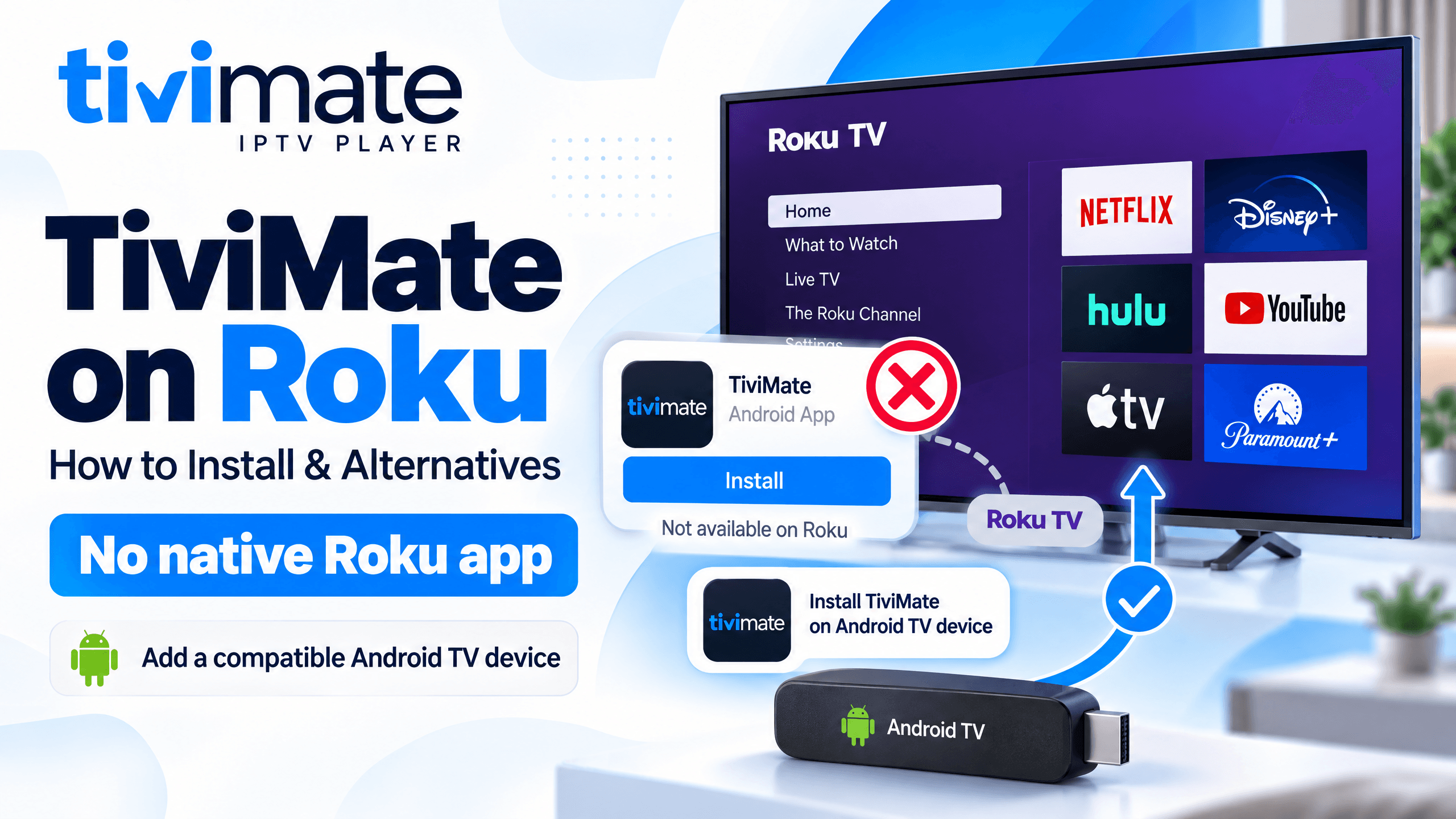
If you are searching for TiviMate on Roku, Roku TiviMate, or how to install TiviMate on Roku, there is an important compatibility issue to understand first.
TiviMate does not currently have a native Roku app. TiviMate is designed for Android TV devices and is distributed through Google Play and its official Android TV APK. Roku uses its own operating system and app platform, so you cannot install the Android TiviMate APK directly on a Roku device.
This does not mean you have to replace your Roku TV. There are practical ways to keep using your Roku TV while running TiviMate through a compatible external streaming device.
Does TiviMate Work on Roku?
No, TiviMate does not currently work natively on Roku.
You will not find the official TiviMate application in the Roku Streaming Store. Roku's official installation process is based on adding supported apps through its Streaming Store, Roku website, or mobile app.
TiviMate, on the other hand, is specifically designed for Android TV and remote-controlled Android TV devices. Its official listing identifies Android TV as the intended platform.
This is why searching the Roku Store for "TiviMate" will not give you the official application.
Why Can't You Install TiviMate on Roku?
The main issue is the operating platform.
TiviMate is an Android TV application, while Roku uses Roku's own software environment. An Android APK is not the same type of application package used by Roku.
This means methods such as:
- Downloading the TiviMate APK
- Using Downloader
- Sending the APK from a phone
- Installing TiviMate from Google Play
- Sideloading an Android APK
do not provide a normal TiviMate installation on Roku.
This is different from FireStick or Android TV, where Android applications can be installed through supported methods. For Fire TV setup, see how to download or install TiviMate on FireStick.
Can You Install TiviMate on a Roku TV?
If you have a Roku TV, the answer is still no for direct installation.
A Roku TV may have a large screen and HDMI ports, but the television's operating system remains Roku OS. You cannot turn the Roku TV's built-in Roku environment into Android TV simply by downloading an APK.
However, there is an easy workaround.
Use an External Android TV Device
You can connect a compatible Android TV or Fire TV streaming device to one of your Roku TV's HDMI ports.
The basic setup looks like this:
The Roku TV is then being used as the display, while the external device runs TiviMate.
This is why some people who own Roku TVs still use TiviMate. Recent TiviMate community discussions describe users running TiviMate on external Android-based devices connected to Roku televisions.
How to Use TiviMate on Roku TV
If you already own a Roku TV, you do not necessarily need a new television.
Step 1: Get a Compatible Streaming Device
Choose an Android TV or Fire TV device that supports TiviMate.
Common options include:
- Amazon Fire TV devices
- Google TV devices
- Android TV boxes
- NVIDIA Shield TV
- Other compatible Android TV streaming devices
TiviMate's official application is intended for Android TV devices and remote navigation.
Step 2: Connect the Device to Your Roku TV
Connect the streaming device to an available HDMI port on your Roku TV.
Use your Roku remote or TV input controls to select the HDMI input connected to the new device.
Your television is now acting as the screen, while the external device handles TiviMate.
Step 3: Install TiviMate on the External Device
If the device has Google Play, search for TiviMate IPTV Player and install the official application.
For compatible Fire TV devices, TiviMate can also be installed using its supported APK installation method. Always use the official TiviMate source rather than random APK websites. Follow our FireStick TiviMate install guide or the full TiviMate IPTV Setup Guide.
Step 4: Add Your IPTV Playlist
TiviMate is only a media player. It does not provide live channels or an IPTV subscription.
After installation, you need to add your own playlist supplied by your IPTV service. TiviMate supports playlist-based IPTV setups, including common M3U and Xtream Codes configurations. See how to add a playlist to TiviMate.
You can then organize channels, use the TV guide where supported, create favorites, and use other TiviMate features available on your plan.
Can You Cast TiviMate From Your Phone to Roku?
Casting is not the same as installing TiviMate on Roku.
Simply installing TiviMate on an Android phone does not turn Roku into a TiviMate-compatible device. TiviMate itself is designed for Android TV rather than touch-based phones and tablets.
If your goal is to have the full TiviMate interface, remote navigation, playlist management, EPG, recording, and Multiview features, using a compatible Android TV or Fire TV device connected through HDMI is a more direct approach.
What About Roku IPTV Apps?
Roku has its own app ecosystem, so you may find other streaming or IPTV-related applications depending on your region and current Roku Store availability.
However, these are not TiviMate.
Do not assume that an app with "TiviMate" in its name is the official TiviMate application. The official TiviMate sources identify the application as an Android TV media player.
If you specifically want the TiviMate interface and features, use a compatible Android TV or Fire TV device rather than trying to force an Android APK onto Roku.
Can You Use Your Roku TV and TiviMate Together?
Yes, but they work as two separate parts of the setup.
Your Roku TV provides:
- Display + speakers + television hardware
The external Android TV or Fire TV device provides:
- TiviMate + IPTV playlist + playback
You can switch between the Roku TV's built-in apps and the HDMI input connected to your TiviMate device whenever you want.
This can be useful if you already like Roku for services available through its platform but want TiviMate for IPTV playback.
Best Solution If You Want TiviMate
If TiviMate is specifically the player you want, do not spend time looking for a hidden Roku APK installer.
Instead:
- Keep your Roku TV if you like it.
- Connect a compatible Android TV or Fire TV streaming device.
- Install TiviMate on that device.
- Add your IPTV playlist.
- Select the corresponding HDMI input on your Roku TV.
- Use the external device's remote to control TiviMate.
This gives you TiviMate on your Roku TV's screen without trying to install an Android application into Roku OS.
Best Alternatives to Roku for TiviMate
If you want to use TiviMate, consider these Roku alternatives:
- Fire TV Stick: A popular option for running TiviMate on compatible Fire TV devices.
- Google TV: Devices such as Google TV Streamer support Android TV apps like TiviMate.
- NVIDIA Shield TV: A powerful Android TV option for smooth IPTV streaming.
- Android TV devices: Many Android TV and Google TV devices support TiviMate directly.
If you already have a Roku TV, you can simply connect one of these compatible devices through HDMI and use TiviMate on it.
TiviMate on Roku: Quick Answer
- Can you install TiviMate directly on Roku? No.
- Is there an official TiviMate Roku app? No.
- Can you install the TiviMate APK on Roku? No. The Android APK is intended for compatible Android TV devices.
- Can you use TiviMate with a Roku TV? Yes. Connect a compatible Android TV or Fire TV device through HDMI and run TiviMate on that external device.
- Does Roku need to be removed? No. You can continue using the Roku TV and switch between Roku and the HDMI-connected TiviMate device.
The key difference is simple: TiviMate cannot currently be installed directly on Roku, but a Roku TV can still be used as the display for a compatible device running TiviMate.
If you are ready to set up TiviMate on a compatible device, follow our TiviMate IPTV Setup Guide and then learn how to add a playlist to TiviMate. Looking for a compatible service? Review our IPTV Plans.
FAQs
Can you get TiviMate on Roku?
No. TiviMate does not currently have a native Roku application. The official TiviMate listing identifies Android TV as its intended platform.
How do I install TiviMate on Roku?
You cannot install TiviMate directly on Roku. Instead, connect a compatible Android TV or Fire TV device to your Roku TV through HDMI and install TiviMate on that external device.
Is there a TiviMate app for Roku TV?
There is currently no official TiviMate app for Roku TV. Roku apps are installed through the Roku Streaming Store, while TiviMate is designed for Android TV.
Can I install TiviMate APK on Roku?
No. The TiviMate APK is an Android application and cannot be installed directly on Roku OS.
Can I use TiviMate on a TCL Roku TV?
Yes, but not directly through the TCL Roku TV's built-in Roku system. Connect a compatible Android TV or Fire TV device to an HDMI port and run TiviMate on that device.
Can I use TiviMate on Roku Stick?
TiviMate cannot be installed directly on a Roku Stick. If you want TiviMate, use a compatible Android TV or Fire TV streaming device instead.
Can I use my Roku TV screen for TiviMate?
Yes. Connect an Android TV or Fire TV device to an HDMI port on the Roku TV. The external device runs TiviMate, while the Roku TV acts as the display.
Can I cast TiviMate from Android to Roku?
Installing TiviMate on an Android phone does not make Roku compatible with TiviMate. TiviMate is designed for Android TV and remote-controlled TV devices rather than phones and tablets.
Why can't I find TiviMate in the Roku Store?
Because there is currently no official TiviMate Roku application. Roku's official system allows users to browse and add apps through its Streaming Store.
What device should I use instead of Roku for TiviMate?
Use a compatible Android TV or Fire TV device. TiviMate's official platform support is centered on Android TV.
Can I keep Roku and use TiviMate?
Yes. You can keep using Roku's built-in platform and connect a separate TiviMate-compatible device to another HDMI input. Switch inputs whenever you want to use TiviMate.
Does TiviMate provide IPTV channels?
No. TiviMate is a media player and does not provide channels or IPTV content. You need to add your own playlist from a service you are authorized to use.