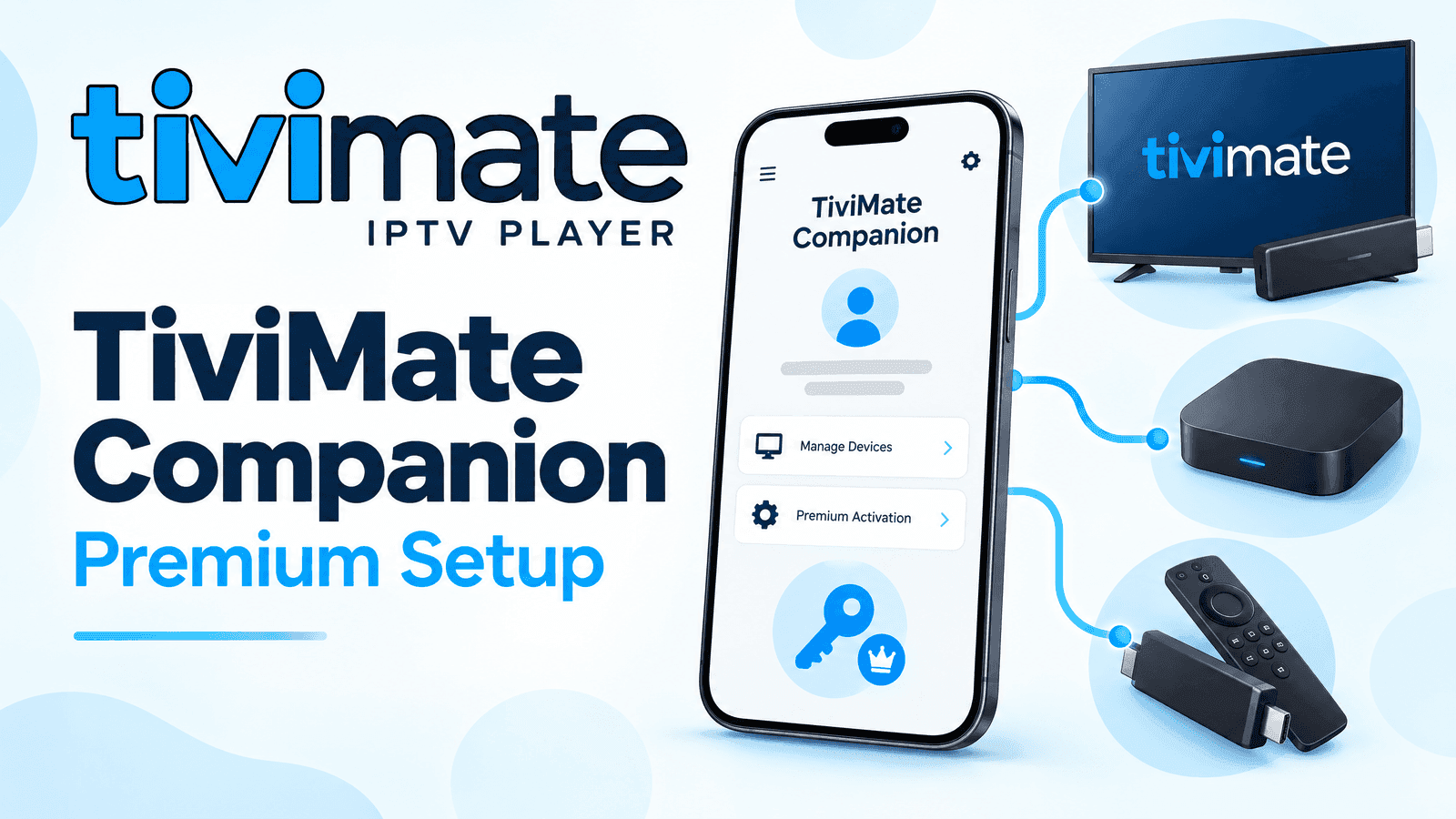
The TiviMate Companion app helps users unlock TiviMate Premium functionality on supported devices without Google Play and manage activated devices. If you use TiviMate IPTV Player on an Amazon Firestick or another compatible streaming device, understanding how Companion works can make Premium activation easier.
Unlike the main TiviMate IPTV player, the Companion app does not play channels, load M3U playlists, or provide IPTV subscriptions. Its purpose is related to Premium access and device management.
What Is the TiviMate Companion App?
TiviMate Companion is a separate application published by Armobsoft FZE, the developer associated with TiviMate. Its official Google Play listing explains that the app is intended to unlock Premium functionality on devices without Google Play and manage activated devices.
The main TiviMate IPTV player is used to load compatible IPTV playlists, browse channels, and watch available streams. Companion supports the Premium-related process rather than replacing the player.
If you search for TV Mate Companion, TiviMate Companion app, or TiviMate Companion login, you are generally looking for this separate application and its account or activation functions.
What Does TiviMate Companion Do?
The Companion app has two main purposes:
Unlock TiviMate Premium
Companion can help users access TiviMate Premium functionality on supported devices where Google Play is unavailable. The exact purchase and activation steps depend on the current app version and the options presented to your account.
Manage Activated Devices
The application also provides device-management functionality for activated devices. This can help you review the devices associated with your Premium access.
What Companion Does Not Do
TiviMate Companion is not an IPTV player. It does not provide live TV channels, movies, sports streams, M3U playlists, Xtream Codes API access, or an IPTV subscription.
For playback, you need the main TiviMate app and a compatible content source that you are authorized to use.
How to Download the TiviMate Companion App
The safest starting point is the official Google Play listing. Check the developer name, app details, and current availability before installing.
- Open Google Play on a compatible Android device.
- Search for TiviMate Companion.
- Verify that the publisher is Armobsoft FZE.
- Review the listing and install the application if it is available for your device.
- Open Companion and follow the purchase or activation instructions displayed in the app.
You can also visit the official TiviMate website for current product information.
Avoid unofficial APK downloads that claim to offer free Premium access or modified activation features. These files may be outdated, modified, or unsafe.
How to Activate TiviMate Premium With Companion
The activation process depends on your streaming device and the current purchase options available.
Step 1: Install TiviMate IPTV Player
Install the main TiviMate IPTV player on your compatible Android TV or Fire TV device using an available supported installation method. For Firestick help, see our How to Download or Install TiviMate on FireStick guide.
Step 2: Install TiviMate Companion
If your device requires Companion for Premium activation, install the official app on a compatible Android device.
Step 3: Follow the Premium Purchase Process
Open Companion and follow the available instructions to review and purchase Premium, if this option is supported for your setup. Check the displayed price and terms before confirming payment.
Step 4: Return to TiviMate
Open the main TiviMate player on your television or streaming device and follow its current Premium activation instructions.
Step 5: Check Your Premium Status
Confirm that the Premium features you purchased are available. If activation fails, verify your account details and follow the official recovery instructions.
Menu names and activation steps may change between versions, so use the instructions shown in your current app rather than relying on outdated screenshots.
TiviMate Companion Login: Common Problems and Fixes
If you cannot sign in or activate Premium, check these common issues.
Incorrect Login Details
Check the account information you entered and make sure you are using the correct account for your purchase.
Premium Not Activated
Confirm that the purchase was completed successfully. Follow the recovery or restore instructions available in the app.
Device Management Problems
If your activated device list does not look correct, open the Companion app and review the available device-management options. Read the prompts carefully before changing any activation.
App Not Available
If Companion does not appear in your app store, check regional availability, device compatibility, and the official product information. Avoid downloading an unverified copy as a workaround.
Outdated Instructions
Older guides may describe menus or account procedures that no longer match your version. Follow the current instructions from the official app or developer.
TiviMate Companion vs. TiviMate IPTV Player
| Features | TiviMate Companion | TiviMate IPTV Player |
|---|---|---|
| Main purpose | Premium-related activation and device management | IPTV playlist playback |
| Watch live TV | No | Yes, with compatible content |
| Add an M3U playlist | No | Yes, where supported |
| Enter Xtream Codes | No | Yes, where supported |
| Manage Premium access | Yes, for supported workflows | Access Premium features |
| Provide IPTV channels | No | No |
| Replace an IPTV subscription | No | No |
TiviMate Premium Cost and Subscription Options
TiviMate Premium is separate from an IPTV content subscription. Its available purchase options and prices are shown through the relevant purchase process and may vary by region or change over time.
Before purchasing, check the current price, billing period, renewal terms, and supported devices. Do not rely on old price lists or claims about free lifetime Premium access.
Remember that purchasing TiviMate Premium unlocks application features only. It does not supply TV channels or streaming content. For a feature breakdown, see TiviMate Premium vs Free.
Frequently Asked Questions
What is the TiviMate Companion app used for?
It is used to unlock Premium functionality on supported devices without Google Play and manage activated devices. It is not an IPTV player.
Is TiviMate Companion free to download?
The app may be available to install without an upfront download charge, but Premium functionality may require payment. Check the current official listing for purchase details.
Do I need TiviMate Companion for Firestick?
Companion may be needed for Premium activation when your Fire TV device does not have Google Play. Follow the activation options shown by your current TiviMate installation.
Can I watch IPTV through TiviMate Companion?
No. You must use the main TiviMate IPTV player with a compatible playlist or authorized content source to watch IPTV.
How do I log in to TiviMate Companion?
Install the official app, open it, and follow the account or activation instructions displayed. Available options may vary by app version and account status.
Does TiviMate Companion include an IPTV subscription?
No. Companion does not provide channels, streams, or an IPTV subscription. Content access comes from a separate compatible provider.
Can I use TiviMate Premium on multiple devices?
Device use depends on the current Premium license terms and activation limits. Check the official purchase details and use Companion's available device-management features.
What should I do if TiviMate Premium will not activate?
Verify your purchase, account details, and device compatibility. Then follow the official activation or recovery instructions shown in TiviMate or Companion.
Is TiviMate Companion available for iPhone?
The official Companion listing is on Google Play for Android. Check current official availability before looking for an iOS version or alternative activation method.
Where can I download TiviMate Companion safely?
Start with the official Google Play listing and verify that the developer is Armobsoft FZE. Avoid unofficial APK files that promise modified or unlocked Premium features.
Get More From Your TiviMate Setup
TiviMate Companion can simplify Premium-related activation and device management when your setup requires it. Use the official app, verify your purchase details, and keep the Companion app separate from your IPTV player and content subscription.
For playlist configuration, device compatibility, and troubleshooting, explore our TiviMate installation guides to help you set up your player correctly. You can also add your playlist once Premium is activated.